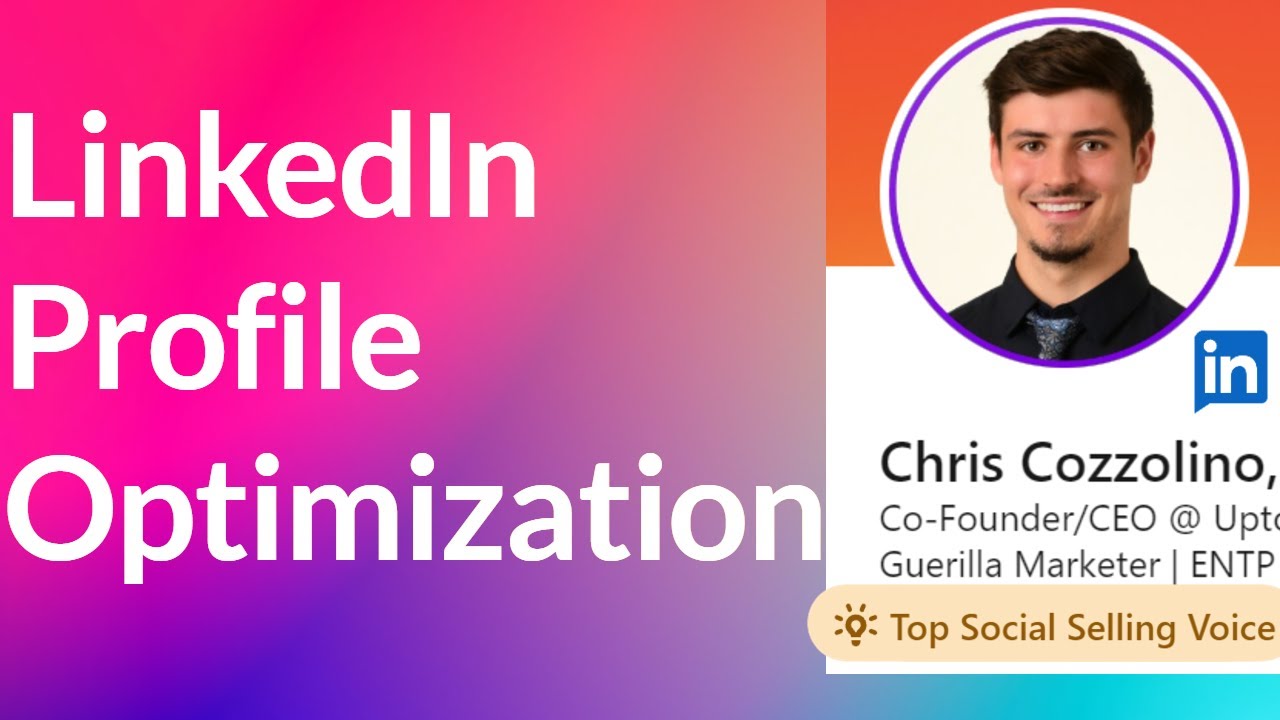
LinkedIn Profile Optimization: How We Create Profiles that Boosts Sales
A well-optimized LinkedIn profile is a powerful lead-gen asset. It helps break down some of the initial barriers that prevent prospects from:
- Responding to messages
- Booking discovery calls
- Considering your products or services
…we could go on.
The point is your profile is important. And taking the time to carefully optimize your LinkedIn profile for lead generation is well worth it in our experience. What does that mean in practice? Stick around, and we’ll share a few of the optimization tips we recommend to Uptown Creation clients.
8 Ways to Optimize Your LinkedIn Profile for Lead Gen
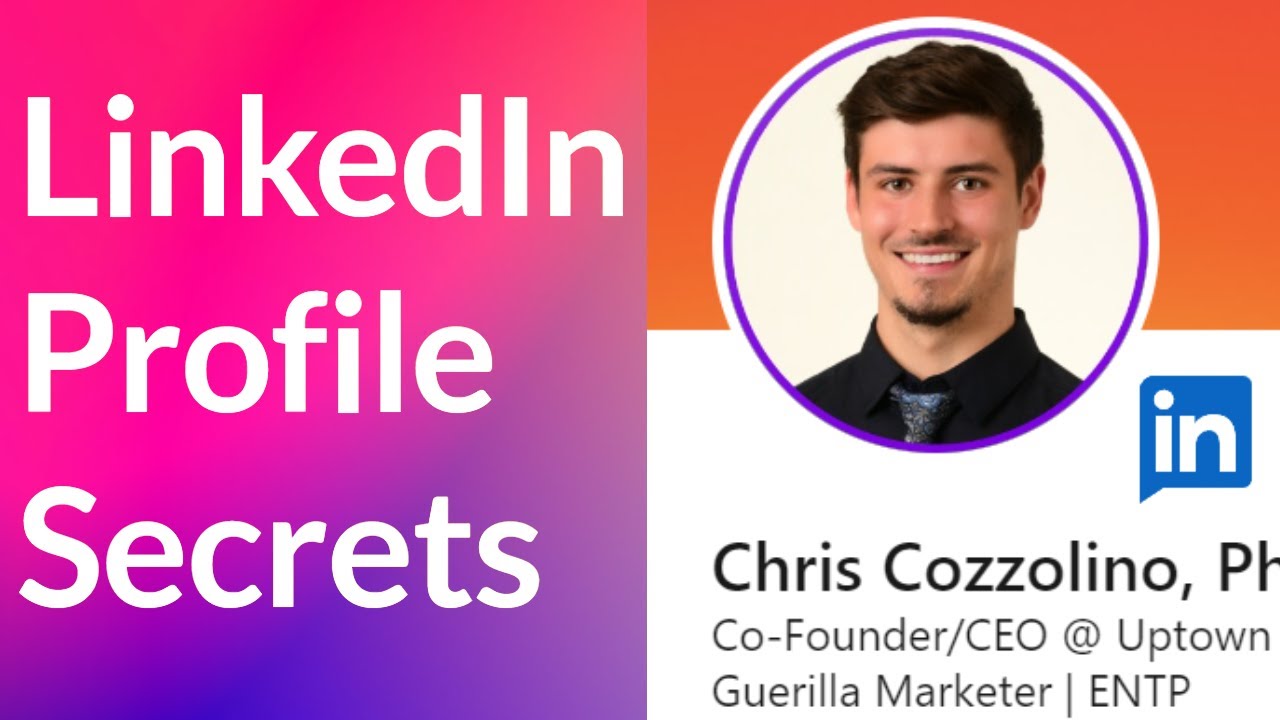
1. Simplify Your Profile Picture
Commentary on profile pictures probably isn’t the high-level lead-gen strategy you were hoping for—but before you skip this section, hear us out.
Your profile picture on LinkedIn is more than just your “first impression.” It follows you around the platform with every single interaction you have, from comments and likes to connection requests and messages. In other words, it’s arguably the most important element on your profile.

To make sure it’s carrying its weight:
- Keep it simple. A simple, neutral background is best. While in-context shots might make sense for other platforms or certain industries, your LinkedIn pic should usually be all about you.
- Think about framing. Your face should take up the majority of the space you’re given. People relate to faces, not clothes or backgrounds (usually). At the same time, you don’t want the photo to be so zoomed in that it’s distracting.
2. Draft a Clear, Compelling Headline
Like your profile pic, your LinkedIn headline follows you everywhere. And unfortunately, this is another element that we often see people get wrong (or at least, not quite right).
A lot of LinkedIn coaches tell people to make their headline into a hard-hitting, keyword-packed statement. But in our experience, this often leads to two equally off-putting issues that make us not want to engage:
- Overly salesy headlines. While in theory it sounds like a good idea to turn your headline into an elevator pitch, it doesn’t translate well on LinkedIn. “Pitch fatigue” is high on the platform. If people can tell what you’re going to pitch from your headline you risk annoying them.
- Overly long, confusing headlines. Long headlines are hard to read and understand… so lots of prospects won’t. It’s a missed opportunity to draw in more people and connect with potential leads.

So what should you do instead? Here are some tips:
- Use line breaks. We always recommend short pieces of information separated by line breaks (“Founder | Productivity Expert | Speaker”). This way, it’s easy for people to understand at least a few key details about you in seconds.
- Include something unique. We also like including something a bit different—whether that’s your personality type or a random fact about yourself. It’s a quick and simple way to humanize your profile a bit.
3. Avoid Busy, Info-Rich Banners
We get it, your banner is big.
It seems like a great place to stuff all of your important information—company name, logo, links, key results, etc. This only ends up making your profile more distracting, and actually decreases its effectiveness as a lead-gen asset.
Our suggestion? Open up Canva, find a color that compliments your company or personal brand, and paste your logo on. Skip all other unnecessary text and just focus on making something that looks good rather than communicates something.

In our experience, prospects are turning to LinkedIn banners to get a feel for the person or company behind the business.
4. Add Featured Content
Some of you will already know about this, but you can add featured content to the top of your LinkedIn profile. Why is this important for optimization? Because (if you carefully pick what you want to feature), it'll give visitors deeper insights into who you are.
Here are a few ways we recommend using this feature:
- Add high-performing content. If you regularly post on LinkedIn (which you should be!), adding high-performing content to your featured section can help showcase your value and encourage visitors to check out more of your profile.
- Add your website link. If you don’t have content to share, we like the idea of adding your website link to the featured section. This will make it easier for visitors to learn more about you and your business.
- Add an intro video. Whether you have content to link or not, we recommend creating a 1-minute video introducing yourself and including it as featured content. This is a powerful tool for differentiation.
5. Clean Up Your About Section
Your headline is one of the biggest drivers of search visibility and profile visits on LinkedIn. And once users land on your profile, your About section is their next stop. So, you need to make it count.
There are two approaches we recommend—the one you choose comes down to personal taste:
Minimalist About Sections
Lots of people like to keep their About sections brief. This approach is great, but you need to think critically about what to include. We personally like “bulleted” lists for this kind of About section, with a distinct detail or offer on each line.

Narrative About Sections
Do you feel like you have a lot to say? Rather than writing an essay, we recommend writing a narrative. The key distinction is that you’re telling a story, not just listing facts or accomplishments. You want to give readers a glimpse into who you are and what makes you unique.
We recommend 3-4 paragraphs or 3-5 sentences each.

6. Highlight Relevant Work Experience and Achievements
Detailing your career experience and achievements shows expertise and encourages potential clients to take you seriously.
So, outline your responsibilities for each past and current role that reflect niche knowledge and quantifiable, verifiable achievements (where available). Also, leverage the new LinkedIn feature that lets you add specific skills and completed projects for each job.

Want to go the extra mile? Then, list a few critical, role-relevant tools, like Salesforce and Hubspot, that you’re proficient in.
7. Update Your Skills and Ask for Endorsements
In the dedicated skills sections, include all your industry knowledge and interpersonal skills—and outline which ones you’ve used in each position you’ve held.
But don’t stop there. Add all your other competencies, including those learned in school, through training programs, or on the job. Once that’s done, ask past colleagues, managers, and mutual community members to endorse your skills.

Boost your credibility even more by taking LinkedIn skill assessments so the platform can display a badge for each test you pass.
8. Create Content and Stay Active
Now that you’ve filled out the key LinkedIn profile sections, it’s time to sit back and wait for the leads to roll in, right? Not quite. Showcase your expertise in real-time and remain active on the platform to get better message responses and even attract the occasional inbound “unicorn” lead.
Here’s how:
- Knowledge-sharing posts and articles: Write about sales strategies, your professional and personal experiences (if you’re comfortable), plus key lessons. You can also share your blog articles on these topics on your LinkedIn timeline and pin or “feature” your favorite, most relevant content to the top of your profile.
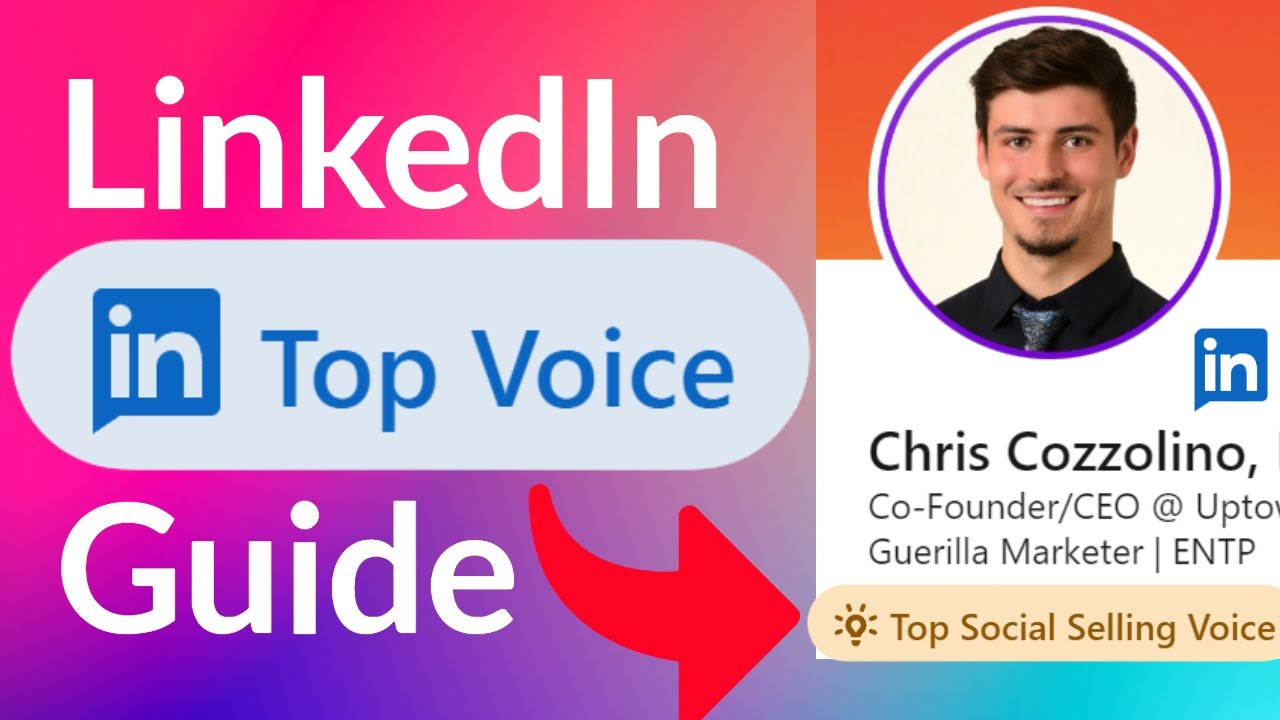
- Collaborative articles: Respond to LinkedIn’s “few experts invited to answer” prompts with experience-driven answers to earn a LinkedIn Top Voice Badge.
- Company content reposts and shares: Repost or share posts and articles from your official company page and blog, especially if you contributed to them. If not, add your POV to the shared content with a few short sentences.
- Post engagements: Like, comment on, and repost relevant content from connections, SMEs, and prospects.
Want to Outsource LinkedIn Profile Optimization?
We get it—there’s a surprising amount to remember when optimizing your lead-gen profile. And that’s only the beginning. You also need to optimize your outreach messages, connection requests, and engagement tactics for maximum impact.
So why not let the experts handle it?
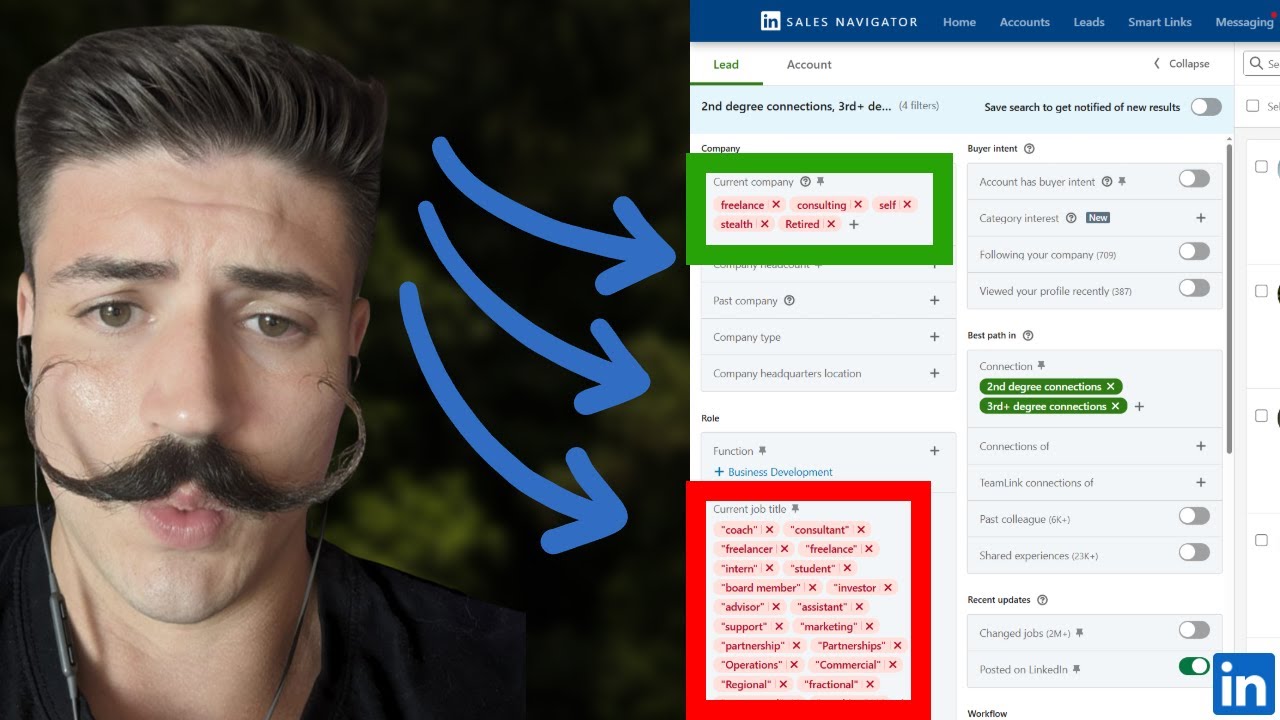
At Uptown Creation, our services include a 90-day, done-for-you LinkedIn lead generation plan, custom sales strategies and campaigns, active targeting, and engagement nurturing. We also support you with end-to-end LinkedIn outreach, providing key resources and training—including how to make the most of a LinkedIn premium account and sales navigator.
Book a free strategy call to get started.