Once someone commits to LinkedIn, the question we get most is how to keep track of all of it: who connected, who has been messaged, who still needs a follow-up, and whether any of it is working. We build the whole tracking system on screen inside LinkedIn Sales Navigator, using lead lists and saved searches that clear people out as you work through them. Then we share the benchmark numbers we use to judge whether a campaign is healthy. If you run LinkedIn outreach by hand, you end up with one source of truth for who to contact next, plus real numbers to hold the work against.
What you will learn
- The six lead lists to build in Sales Navigator: three numbered connection requests sent lists, because each list caps at 1,000 people, a messages sent list per month, responded, follow-up, and exclusions.
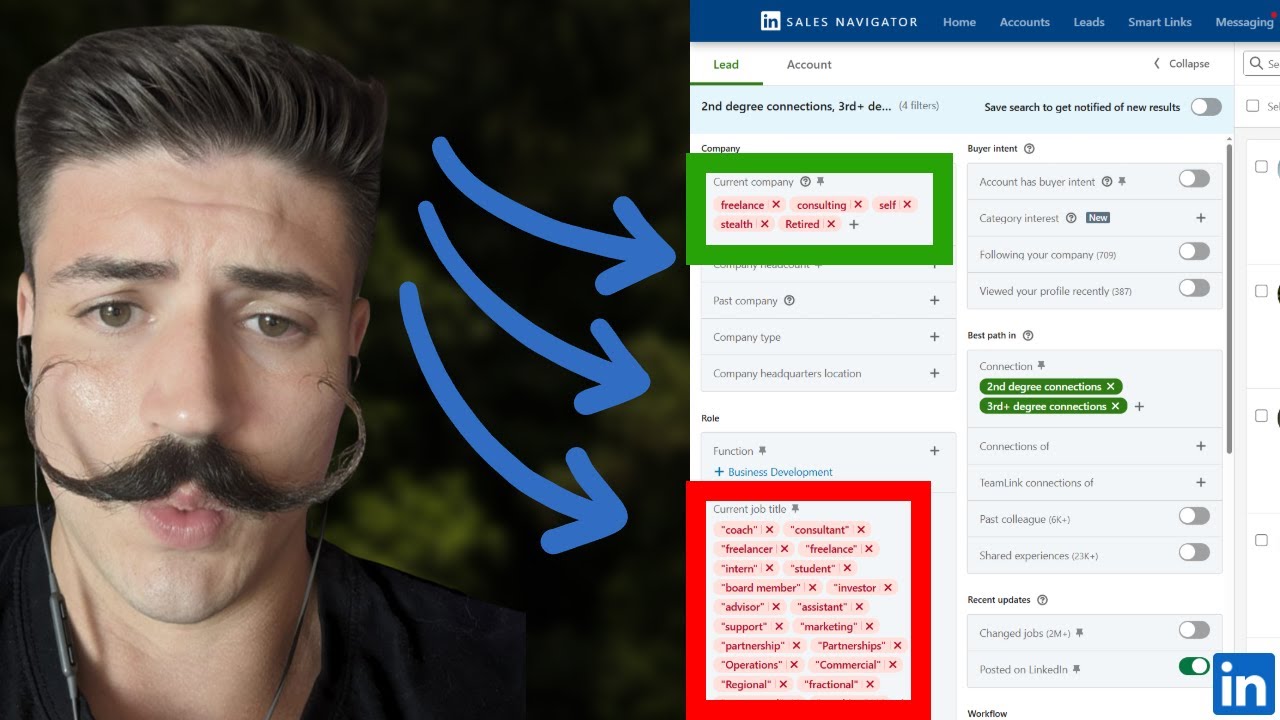
- How to build the send connection requests saved search: exclude all saved leads and anyone already messaged, limit it to second and third degree, then layer in geography, industry, title, and headcount.
- Why we enter titles as an exact Boolean phrase, Chief Revenue Officer without CRO, so Chief Risk Officers do not get pulled into the list, and why we use headcount instead of the revenue filter.
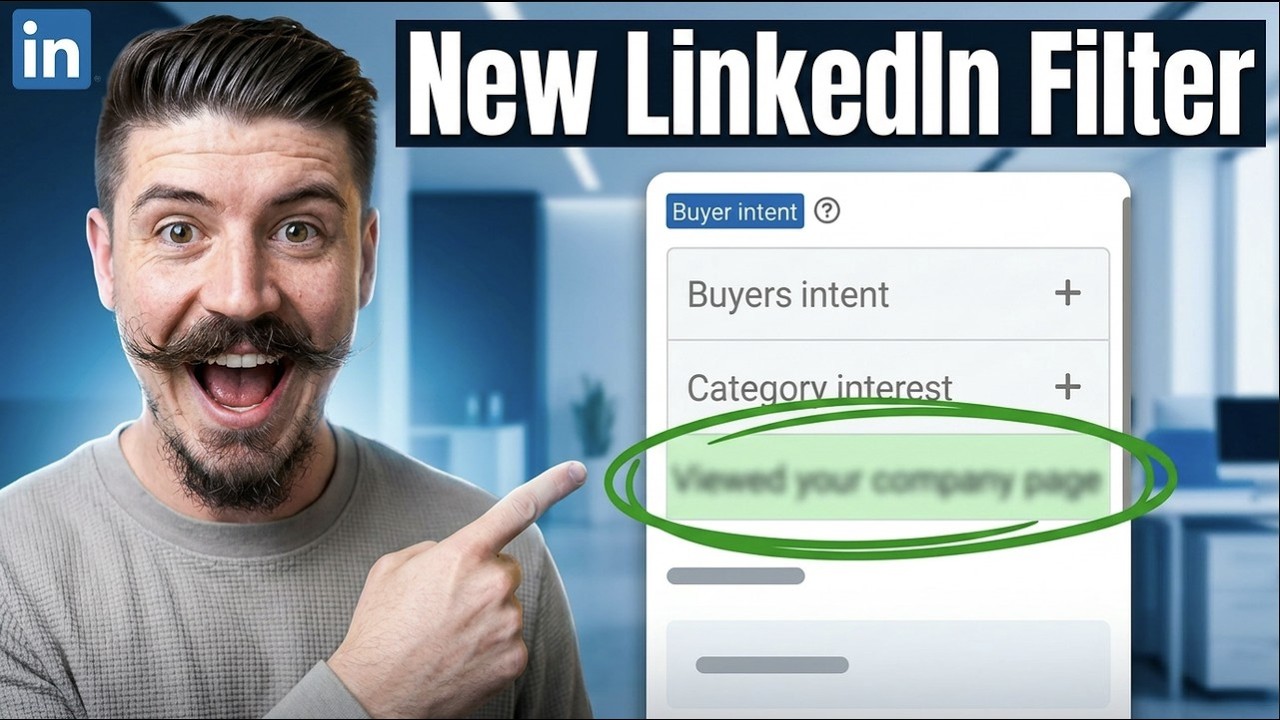
- The single most important filter, posted on LinkedIn in the last 30 days, which took the example search from 1,500 people down to 514 and is worth roughly a 300% increase in connections and responses.
- The daily rhythm: 50 connection requests a day to reach 200 a week, sent blank, plus the dirty words like thanks for connecting that make people hit ignore.
- The second saved search, send messages, which shows only the first degree connections you personally requested and drops them off the list once they have been messaged.
- The benchmarks we work to: 30 to 40% connection acceptance, 20 to 30% response rate, 15 to 25% positive response rate, and at least 60% of positive responses turning into booked meetings.
If you want the tracking and the outreach both handled for your team, book a call and we will show you what these numbers look like in your market.